
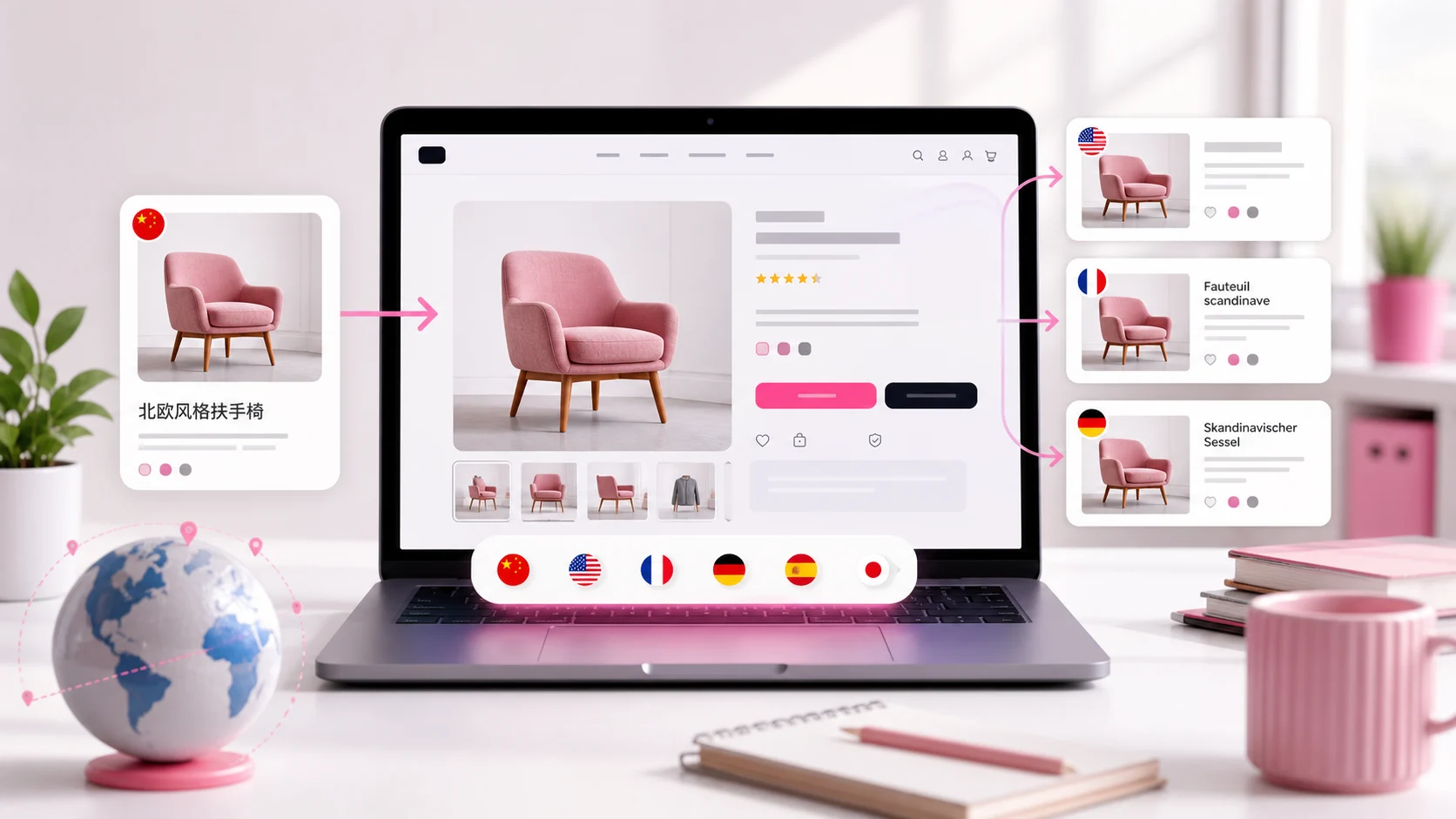
Why the issue happens
Shopify can translate fields like product titles and descriptions, but text embedded inside an image file is not a translatable text field.
That means size charts, packaging photos, banners, ingredient labels, and feature graphics often remain in the original language.
- Image text is part of the file
- Alt text may stay generic
- Market pages can feel unfinished
What to localize first
Focus on images that help customers decide whether to buy. These are the visuals that explain sizing, ingredients, usage, guarantees, or product benefits.
Localizing those images removes the friction exactly where shoppers need confidence.
- Size charts
- Labels and packaging
- Feature callouts
- Comparison images
How Freshify solves it
EZ Product Image Translate lets you assign localized product images and alt text by language.
When shoppers browse in French, German, Spanish, or another supported language, they see the matching visual automatically.
- No product duplication
- No theme code
- Localized alt text
- Preview before publishing
FAQ
Does Shopify translate text inside images?
No. Text inside an image is part of the image file, so you need a localized image version.
Can I show images by language?
Yes. EZ Product Image Translate lets you assign images and alt text to storefront languages.
Should I duplicate products?
Usually no. Duplicating products creates catalog, inventory, and SEO complexity.
What images should I fix first?
Start with size charts, labels, packaging, feature graphics, and promotional banners.
Related guides and tools
Ready to localize your Shopify images?
Install EZ Product Image Translate and adapt product visuals and alt text for every market.
Install for Free